
40 Chicken Dum Biryanis
The four-week same-Saturday average is 40.25 portions. A kitchen may approve 42 after adding a small service buffer and rounding to its batch size.
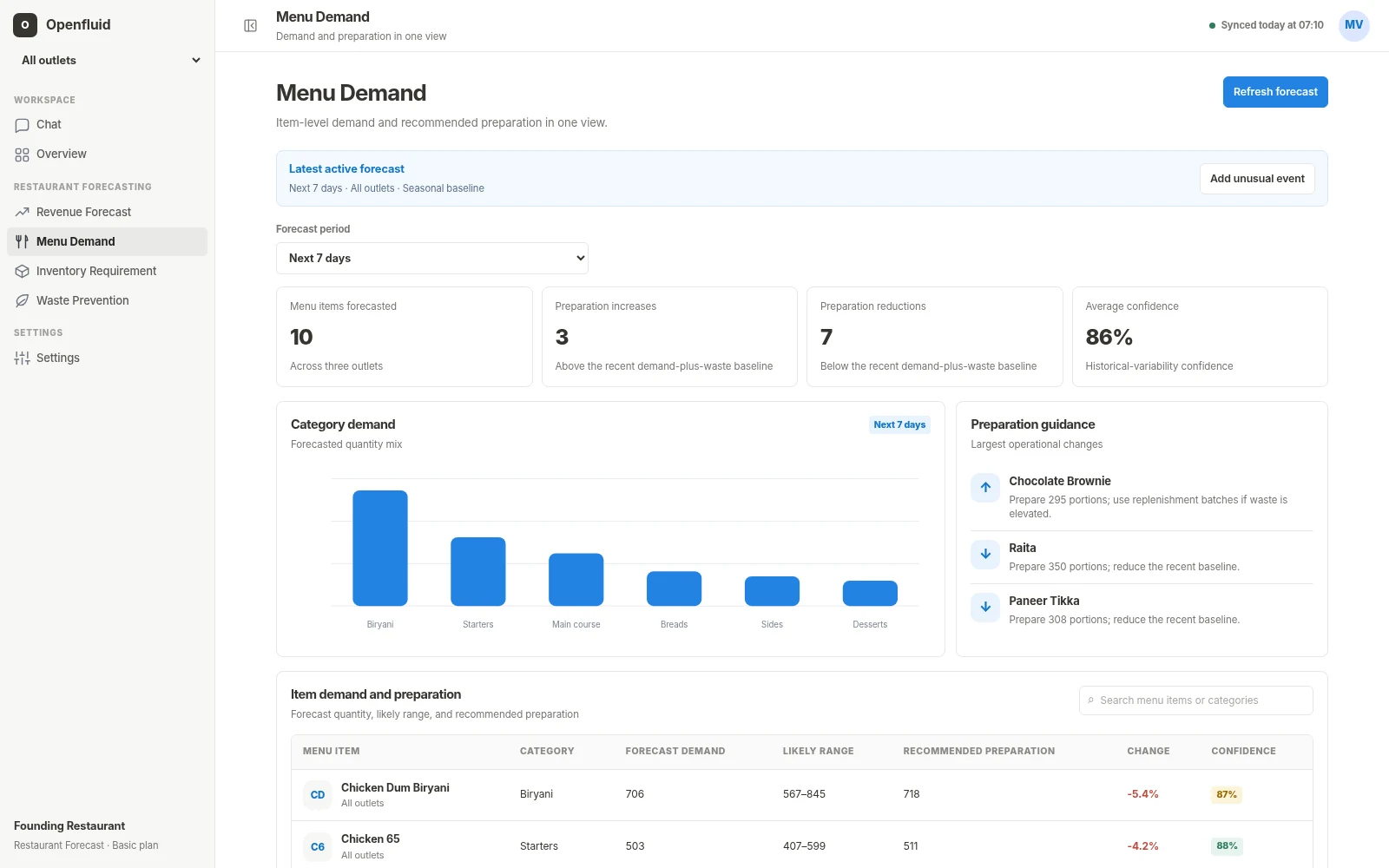
Openfluid estimates item demand by outlet, then separates the statistical forecast from the preparation quantity approved by the operator.
When these quantities are merged, teams cannot tell whether an error came from the forecast or from the operating policy.
What the demand model estimates for the service period.
A chosen allowance for service risk, not hidden model inflation.
Rounded for batches, shelf life, holding limits and existing prepared stock.
The values are derived from the synthetic item-demand series in the prototype workbook and rounded for readability.
The four-week same-Saturday average is 40.25 portions. A kitchen may approve 42 after adding a small service buffer and rounding to its batch size.
The demand level is slightly lower at 37.5, while expected order count is higher. The mix of other menu items matters before changing production.
The same item has a 37.25 baseline. Reusing the Jubilee Hills plan here would create avoidable excess.
The outlet spread is different again, showing why a chain-wide percentage uplift is a weak preparation method.
These are business rules around the forecast. They should remain visible and editable rather than being buried inside a model.
Round to feasible production batches rather than showing a mathematically precise but unusable quantity.
Limit early preparation for items whose quality or safety deteriorates quickly.
Subtract usable carried stock or pre-production already completed.
Account for menu items that compete or substitute when one becomes unavailable.
Split lunch and dinner when one daily total would arrive too late for the kitchen.
Record why a manager changed the recommendation so the outcome can be reviewed later.
Optimising only forecast accuracy can still produce a poor kitchen plan if the cost of under- and over-preparation is asymmetric.
Track when an item became unavailable, the time of the stockout and the demand that could not be served.
Track prepared quantity, sold quantity, usable carry-forward and actual waste. The right buffer balances both outcomes.
Usually no. POS gives sold quantity. Preparation logs, kitchen production records or a declared baseline are needed to evaluate over-preparation.
A new item has limited history. Use category, recipe, price and similar-item signals, then widen uncertainty and review frequently.
Yes. The override, reason and outcome should be retained. That creates evidence about local information the model did not have.
Recipe quantities, yield and current stock turn portions into a purchasing and transfer view.